| Workflow Steps |
Description |
Screens and Image |
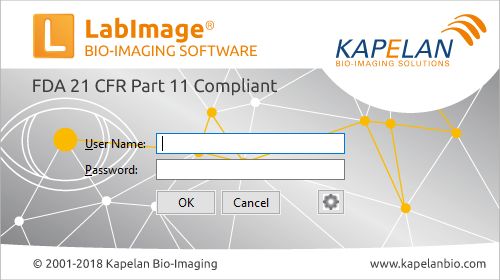
| Login into LabImage |
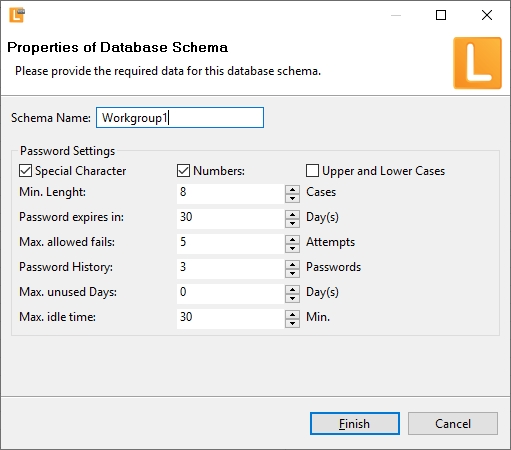
User name and passwort is used to login into LabImage. LabImage allows definition of:
- Password Security (length, character settings, history)
- User Roles/Groups
- Definition of Work Groups
- Each user access is logged
|
  |
| Create new analysis using imagers |
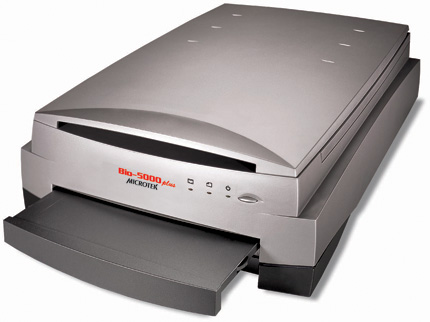
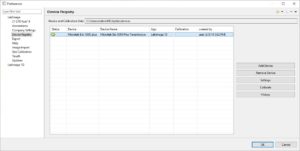
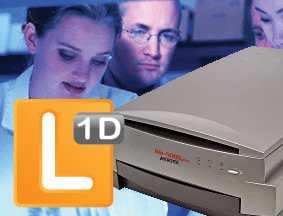
Imagers (e.g. Bio-5000 scanner) can be used to generate image within a closed system. Image data will never leave that system so data integrity is guaranteed.
- external imagers can be integrated incl. calibration
- predefined methodes are used to load image data with a single click
- image meta data is stored in Audit Trail
Learn more about how to integrate Microtek Bio-5000 2 platform scanner using methodes, |
 |
| Analyze your data |
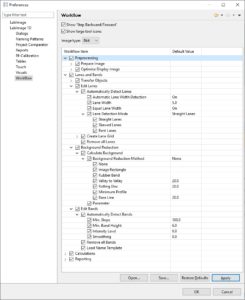
Data Analysis is supported by LabImage’s workflow based system. Each workflow can be customized to specific needs.
- Custom workflow support fast and efficient data analysis
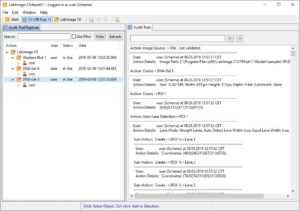
- Each step is stored in an Audit Trail
- Audit Trail provide search feature to seach for functions and full text
|
 |
| Approve data |
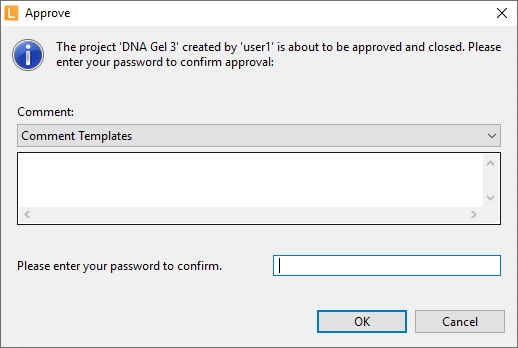
After completion projects can be approved. Approve depends on user rights.
- Right to approve data depends on user group
- analysis is stored as read only project
- Audit Trail can be exported as PDF
|
 |
| Summary |
LabImage provides a closed workflow to generate images, analyze and document data according to FDA 21 CFR Part 11.
- image data will never leave the closed Part 11 system so data integrity is guaranteed
- users work within a single software environment, no need to switch between different software
- All actions are stored within a single Audit Trail – from image meta data to approve process
- Stand-alone and network versions are available
|
 |
|
|
|